GIF Photo Booth Rental Vancouver: Options, Costs & Tips
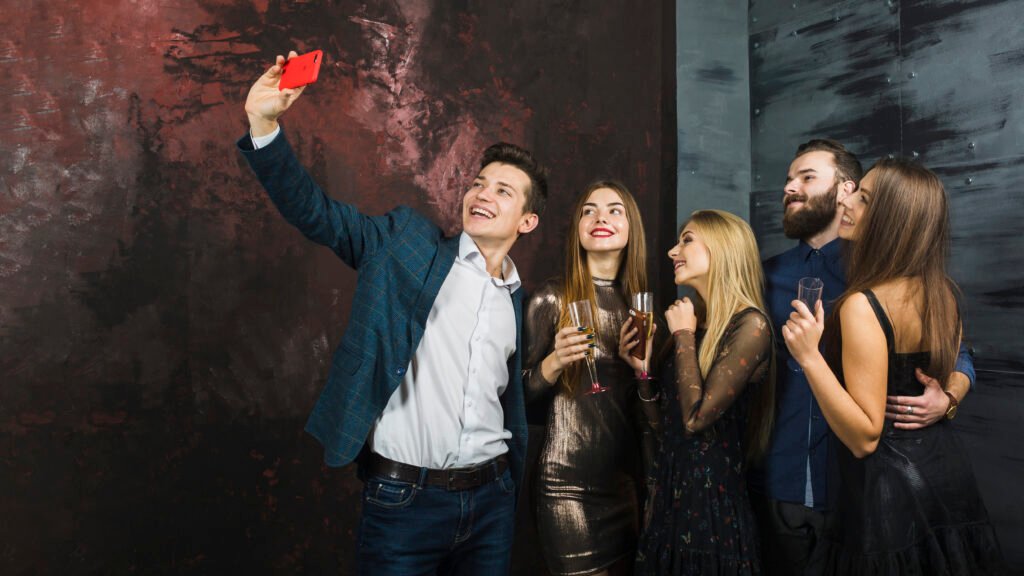
A GIF photo booth rental Vancouver service gives you more than a still photo. You can create short animated GIFs, boomerangs, videos, and shareable images that guests can send to their phones during your event. For weddings, corporate events, parties, and brand activations, the right booth depends on your guest count, venue, desired content, and whether you want digital sharing, prints, or both.
This guide explains the main options, typical Vancouver pricing, what to look for in a package, and how to compare providers before you book.
What Is A GIF Photo Booth?
A GIF photo booth captures a short sequence of images or video and turns it into a looping animation that guests can share digitally. Depending on the setup, you may also get still photos, boomerangs, short videos, filters, digital effects, and custom overlays.
A boomerang is similar to a GIF but typically plays a short movement forward and backward. Both formats work well for social sharing because they create more movement and personality than a standard photograph.
Your finished content may be delivered through text message, email, QR code, AirDrop, or an online gallery. Some booths also offer instant prints, although a GIF itself is normally a digital file.
If you’re comparing your options, it helps to distinguish between a digital-only GIF booth and a photo booth that offers GIFs as one of several capture modes. The second option may give you more flexibility if you want both animated content and physical keepsakes.
GIF Photo Booth Rental Vancouver Options
Your best booth depends on how you expect guests to interact with it. A compact selfie station can work well in a smaller venue, while an open-air setup gives you more control over the experience.
Digital Selfie Station
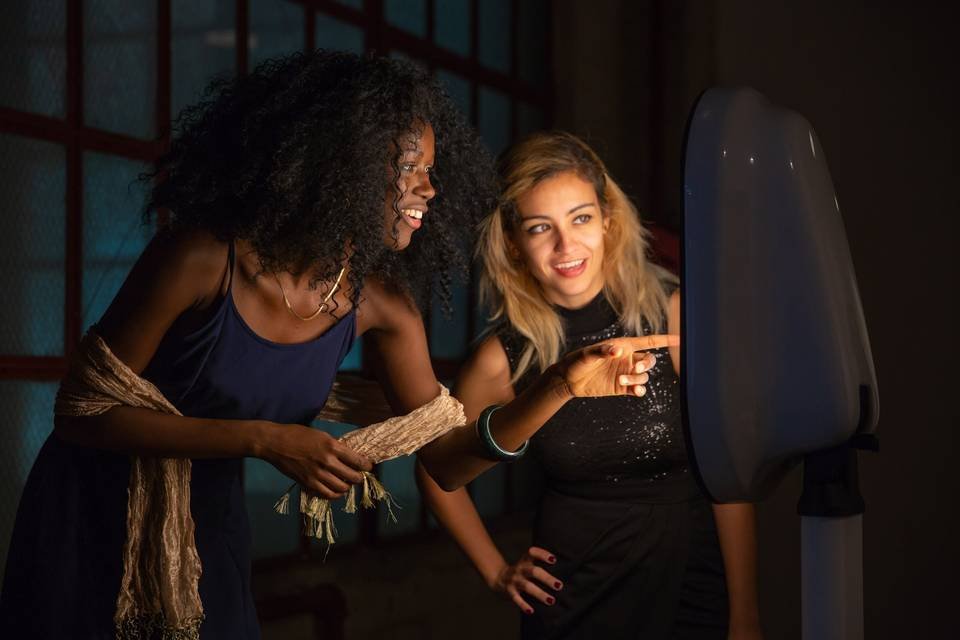
A digital selfie station is usually one of the most practical GIF options when space is limited. It can capture photos, GIFs, boomerangs, and videos while keeping the setup relatively compact.
Choose this option when you want:
- Digital sharing
- A smaller footprint
- Fast guest participation
- GIFs and boomerangs
- Minimal physical equipment
- A self-service or lightly staffed experience
It can work particularly well for office parties, cocktail receptions, birthdays, conferences, and venues where you cannot dedicate a large area to entertainment.
Open-Air GIF Booth
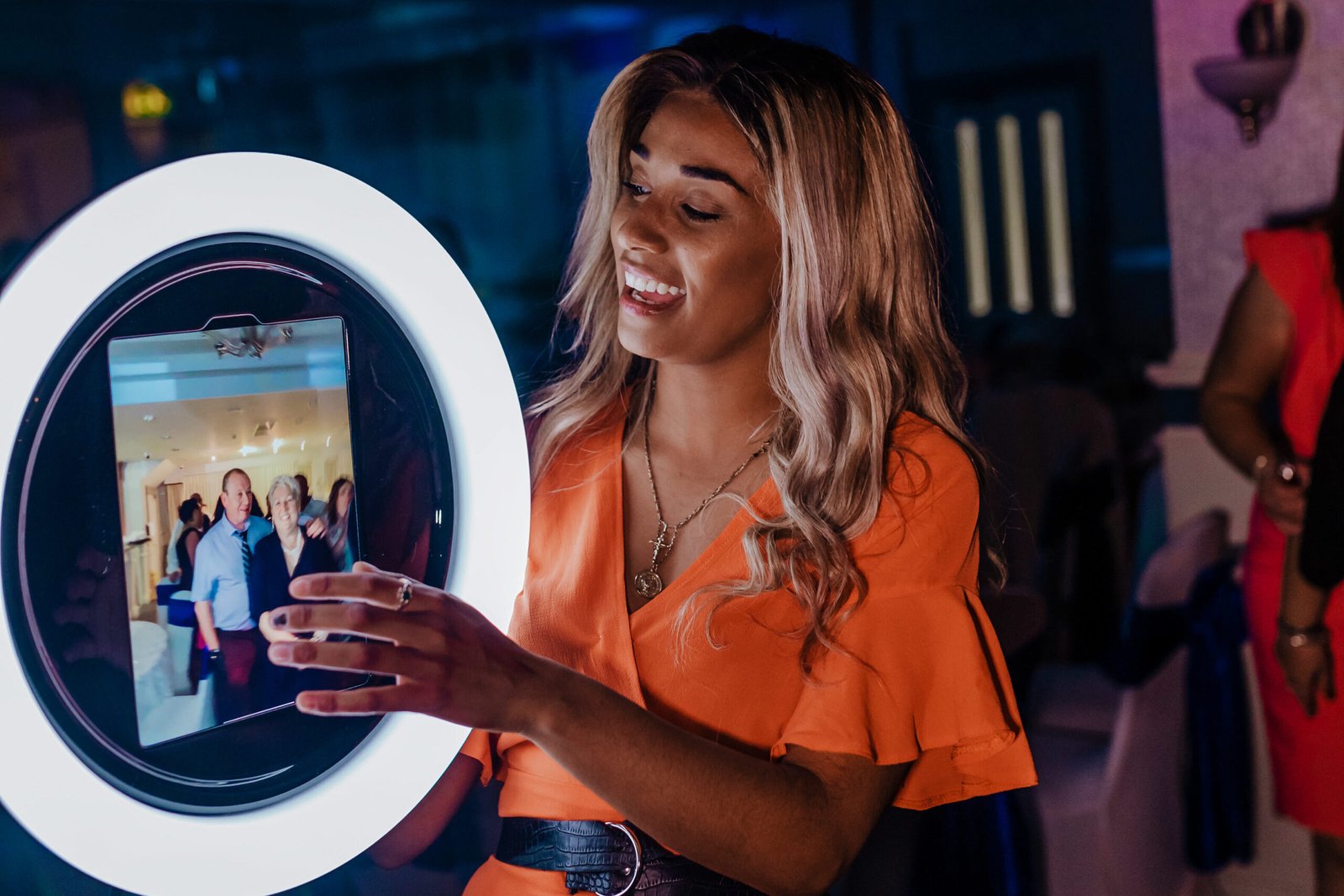
An open-air booth gives you a larger area for guests to pose together. It also makes the experience more visible, which can encourage people nearby to join in.
This setup is a strong choice for weddings, corporate parties, receptions, and larger celebrations. You can also coordinate the backdrop, lighting, props, and animated overlay with your event design.
Attended GIF Booth
An attendant can make a noticeable difference when you have a busy event. Instead of leaving guests to work everything out themselves, the attendant can explain the capture process, manage props, keep the booth moving, and deal with technical issues.
For a wedding or corporate event where you want the host to stay focused on guests, an attended booth is often worth considering. For a smaller private gathering, self-service may be enough.
GIF And Print Combination
You do not necessarily have to choose between digital content and physical photographs. Some packages combine GIFs and boomerangs with instant prints.
This gives guests something to share immediately and something physical to take home. It can be particularly useful for weddings, graduations, birthdays, and corporate celebrations where keepsakes are important.
How Much Does A GIF Photo Booth Cost In Vancouver?
Typical Vancouver photo booth pricing varies based on the rental duration, booth type, staffing, printing, backdrop, customisation, travel, and additional services. Premium installations and custom corporate activations are often quoted individually.
GIFs and boomerangs may be included as part of a digital photo booth package or offered as an optional upgrade. When comparing providers, look beyond the base package and confirm exactly which features, services, and customisations are included in your quote.
Your final quote can change based on:
- Rental duration
- Attendant service
- Printing
- Backdrop selection
- Custom graphic design
- Travel and delivery
- Setup and teardown
- Additional operating or idle hours
- Custom branding
- Special effects
- Corporate data capture
- Custom builds or installations
Do not compare providers using the advertised starting price alone. Ask for the total price for the same rental duration and features so you can see what you are actually paying for.
What Should Your Package Include?
A good package should clearly state what happens before, during, and after your event. You should know whether setup, equipment, sharing, staffing, and gallery access are included rather than discovering extra charges later.
Before booking, confirm:
- GIFs and boomerangs are included
- Still photos are available if you want them
- Digital sharing is included
- Setup and teardown are included
- An attendant is included if required
- Custom overlays are included or priced separately
- Prints are included if required
- An online gallery is provided
- The rental period is clearly defined
- Additional-hour pricing is explained
- Travel charges and taxes are disclosed
You should also ask how quickly guests receive their content. Instant text, email, QR, or AirDrop delivery can make a digital booth much more useful because guests can share their GIF while the event is still happening.
How To Choose The Right Booth For Your Event
The most expensive setup is not automatically the best choice. You should match the booth to your venue, guest behaviour, event format, and the type of content you want people to create.
For Weddings
An open-air or elegant digital booth with GIFs, boomerangs, custom graphics, and optional prints is a strong all-purpose choice. You can coordinate the overlay with your invitations, monogram, wedding colours, or reception design.
An attendant is useful when you have a large guest list because it keeps the experience moving while you enjoy the celebration.
For Corporate Events
Your priorities may be different. Branding, consistent visual quality, fast sharing, and a professional guest experience can matter more than physical prints.
For conferences, product launches, networking events, and company parties, consider custom overlays, branded screens, QR sharing, and a setup that can handle repeated use without creating a long queue.
For Trade Shows
Speed and footprint become especially important at a trade show. Attendees may only have a few minutes between exhibitors, so a straightforward capture and sharing process is preferable.
A compact selfie station can work well if you want a high number of quick interactions. If lead capture is part of your objective, ask exactly what information is collected and how guests provide consent.
For Private Parties
A digital booth can be enough for birthdays, anniversaries, graduations, and smaller celebrations. You may not need a premium installation if your main goal is giving guests a fun way to create and share content.
This is one area where spending more does not necessarily improve the experience. If you have a small guest list and a suitable backdrop already available at your venue, a compact digital setup may be the better value.
What About Space, Wi-Fi, And Venue Requirements?
Before you book, confirm the booth’s footprint, power requirements, internet requirements, and setup time with the provider. These details can affect where the booth can be installed and how smoothly sharing works.
A compact digital station may fit into a small corner, while an open-air booth with a backdrop, props, and guest queue needs considerably more room. You also need enough space for people to enter, pose, exit, and move away without blocking the event.
Wi-Fi is another consideration. Some digital booths rely on the venue connection for instant sharing, while others may use cellular connectivity or another connection method. If your event depends heavily on instant GIF delivery, ask what happens if the venue’s Wi-Fi becomes unreliable.
For Vancouver venues, also consider loading access, parking, elevator access, ceiling height, and whether the venue has restrictions on equipment placement. If your event is outdoors, ask about covered placement and protection from rain and direct weather exposure.
How To Compare Vancouver Providers
Request quotes using the same specifications. Otherwise, a cheaper quote may simply include fewer services.
Ask each provider for a quote based on:
- 3 hours of service
- GIFs and boomerangs
- Unlimited sessions
- Custom overlay
- Digital sharing
- Online gallery
- Setup and teardown
- One attendant
- Optional prints
- All applicable taxes and travel charges
Then compare the actual experience rather than just the price. Look at sample GIFs, photo quality, sharing speed, booth appearance, backdrop options, customization, staffing, and the provider’s backup plan.
You should also ask to see examples that reflect your type of event. A polished wedding setup and a branded trade show activation may require very different approaches.
Common Mistakes to Avoid
A few avoidable details can create unnecessary costs or a disappointing guest experience. Review these points before you sign a contract.
- Choosing the cheapest package: A low starting price may exclude GIFs, prints, an attendant, travel, or custom design, so compare complete quotes rather than headline prices
- Assuming GIFs are included: Some digital packages focus on still photos, so confirm that GIFs and boomerangs are specifically included in writing
- Ignoring the venue footprint: A booth may look compact online but require additional space for guests, props, backdrops, and queues, so confirm the complete setup dimensions
- Relying on venue Wi-Fi without asking: Poor connectivity can delay digital delivery, so confirm the provider’s internet solution and backup plan
- Over-customising the experience: Too many screens, effects, props, or steps can slow down the booth, so prioritise the features guests will actually use
- Skipping privacy questions: Collecting phone numbers or emails creates additional considerations, so ask what data is collected, why it is needed, and how long it is retained
Frequently Asked Questions
Are GIFs Usually Included In Vancouver Photo Booth Rentals?
GIFs are commonly available, but they are not automatically included in every package. Some providers include GIFs and boomerangs in their digital or higher-tier packages, while others treat them as an option. Always check the package details before booking if animated content is one of your main reasons for renting the booth.
How Much Does A GIF Photo Booth Cost In Vancouver?
A digital photo booth can start around the mid-$400 range in the Vancouver market, while packages with prints, attendants, backdrops, and additional services can reach $550 to $1,100 or more. Corporate activations and custom installations are often quoted separately because branding and production requirements vary.
What Is The Difference Between A GIF And A Boomerang?
A GIF typically loops a short sequence of captured images or video, while a boomerang plays a short movement forward and then backward. Both create short, shareable animations, but the visual effect is different. If social sharing matters to you, ask whether your package includes both formats.
Do GIF Photo Booths Print Photos?
Some do and some do not. Digital-only booths generally focus on GIFs, boomerangs, videos, and digital photos, while full-service photo booth packages may combine those features with instant prints. If you want physical keepsakes as well as GIFs, confirm that printing is included rather than assuming it comes with the digital package.
Do GIF Booths Need Wi-Fi?
The booth may be able to capture content without venue Wi-Fi, but instant sharing can depend on an internet connection. Ask whether the provider uses venue Wi-Fi, cellular connectivity, or another solution. If guests need to receive GIFs immediately, confirm the provider has a reliable backup plan.
Is A GIF Booth Good For Corporate Events?
Yes, particularly when you want guests to create branded digital content they can share. A corporate GIF booth can use custom overlays, campaign graphics, branded screens, and digital delivery. For trade shows and activations, you should also consider the booth’s speed, footprint, staffing, and any required data collection.
How Long Should You Rent A GIF Photo Booth?
Three to four hours is a useful starting point for many weddings and larger private events because it gives guests enough time to use the booth without paying for unnecessary idle periods. For conferences or shorter receptions, a more compact rental period may be sufficient. Base your timing on when guests will be most active.
Choose Your Vancouver GIF Photo Booth Experience
Your next step is to compare a complete GIF photo booth package against your guest count, venue, event style, and sharing needs.
With a GIF photo booth rental Vancouver service, you can give guests animated content that is easy to share while still offering the option of prints and personalized event design. The right setup should feel natural within your event rather than adding unnecessary technology or complexity.
At Creative Canvas, we help you create customised photo booth experiences around your event, from the visual design and backdrop to the booth format, technology, and guest experience. Our Vancouver photo booth services are designed for weddings, corporate events, private celebrations, graduations, and other occasions where personalisation matters.
If you’re comparing GIF photo booth rental Vancouver options, tell us your event date, venue, guest count, and the type of content you want. We’ll help you find a setup that fits your plans and budget. Contact us to discuss your Vancouver photo booth rental.
Latest Blog
GIF Photo Booth Rental Vancouver: Options, Costs & Tips
Luxury Photo Booth Rental Packages Vancouver: Luxury vs Standard